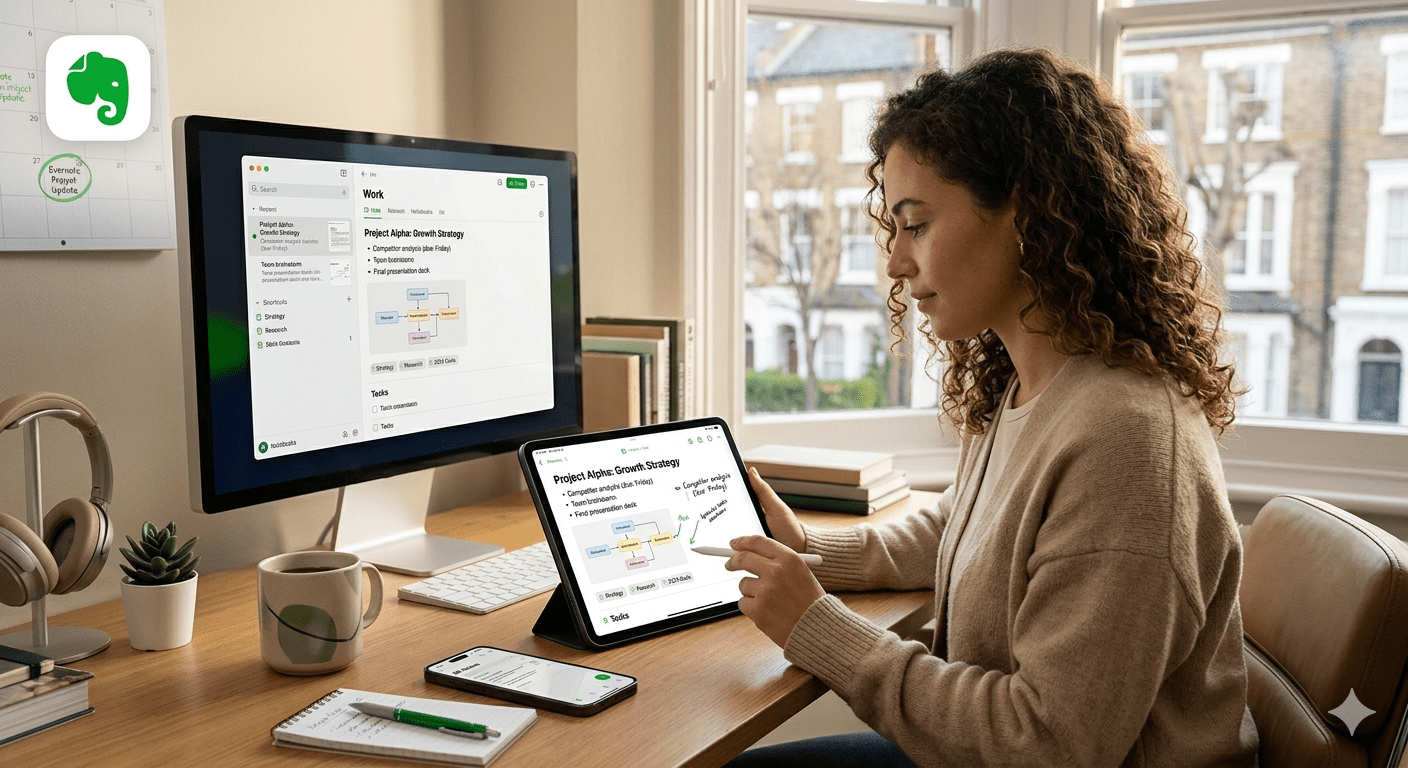
Evernote is a note-taking and personal organisation application that has been around since 2008. At its most basic, it is a place to write things down and find them again later. At its most expansive, it is a workspace where notes, tasks, calendars, files, and — increasingly — AI tools all coexist in one place. For a certain generation of knowledge workers, journalists, and students, it was the first app that made digital note-taking feel genuinely useful. It remains, despite a turbulent decade, one of the most widely recognised productivity tools in the world.
The core idea: a second brain
The philosophy behind Evernote is sometimes described as building a “second brain” — an external system that stores information so your biological one does not have to. The premise is simple: you capture everything that might be useful — notes from meetings, web pages, scanned documents, voice recordings, images, PDFs — and trust that you will be able to find it again when you need it. Evernote’s search functionality, which can read text inside images and handwritten notes, was for many years one of its defining features.
Notes in Evernote are organised into notebooks, and notebooks can be grouped into spaces. Tags offer a second layer of organisation, allowing the same note to belong to multiple categories simultaneously. This flexibility is part of why Evernote attracted such a loyal following: it could be shaped to fit almost any organisational system, from the rigidly structured to the deliberately chaotic.
What you can do with it
Beyond writing and storing notes, Evernote has expanded significantly over the years into adjacent areas of personal productivity.
Tasks are integrated directly into notes, meaning a to-do item can sit alongside the context that created it — the meeting notes where the action was agreed, or the document the task relates to. Tasks can be given due dates, priorities, and descriptions, and are viewable in a dedicated tasks panel across the whole account.
The calendar feature allows users to connect their Google or Outlook calendars, view upcoming events, and create event-related notes directly from a calendar entry. As of 2024, two-way synchronisation is supported, meaning events can be created, edited, and deleted from within Evernote itself.
The web clipper — a browser extension — lets users save articles, web pages, screenshots, or simplified versions of online content directly to their Evernote account with a single click. This remains one of the most-used features among researchers and writers who use Evernote as a reference library.
File storage is also part of the package. Users can attach PDFs, images, spreadsheets, and other documents to notes, making Evernote function as a filing cabinet as well as a writing space. A dedicated files view, introduced in 2024, lets users browse all attachments across their account in one place, with links back to the relevant note.
AI features
Evernote has introduced a range of AI tools in recent years. AI Edit allows users to summarise, translate, rewrite, or extend a note’s content. AI Transcribe converts audio and video recordings — and images of text or handwriting — into searchable written transcripts. An AI Meeting Note-taker, introduced in 2025, can capture audio from a computer microphone or browser tab and automatically generate a transcript with speaker recognition.
A broader AI Assistant and semantic search capability are being rolled out as part of Evernote v11, a major update in development since 2023, with a full release targeted for early 2026. Semantic search goes beyond keyword matching to understand the meaning behind a query — allowing users to find notes based on concepts and ideas rather than exact words.
How it is structured: plans and pricing
Evernote is available in free and paid tiers. The free plan has become significantly more restrictive in recent years: since late 2024, it is limited to 50 notes and one notebook, which is not enough for serious use. Paid plans — Personal and Professional — remove these limits and unlock the full feature set including AI tools, offline access, and larger file uploads. A Teams plan is available for shared workspaces and collaborative use.
The app is available on Mac, Windows, iOS, Android, and web. Notes sync across all platforms, though the app is cloud-first by design — notes are stored on Evernote’s servers, with offline access available through locally cached content.
A note on Evernote’s history
Evernote’s story is not straightforwardly one of uninterrupted success. Founded in 2008, it became one of the defining productivity apps of the early smartphone era and at its peak was valued at around one billion dollars. But the years between roughly 2016 and 2023 were difficult: the company went through multiple rounds of layoffs, leadership changes, and a period in which development visibly stalled while competitors — Notion, Obsidian, Apple Notes, and others — ate into its user base.
In 2023, the Italian software company Bending Spoons acquired Evernote. The transition was rocky: further redundancies followed, the company relocated operations, and a reduction in the free plan’s limits alienated many long-standing users. But the new ownership also brought a significantly accelerated pace of development. Evernote shipped over 100 improvements in 2024 and more than 160 in 2025 — more than any previous year — rebuilding trust among users who had stayed through the difficult period.
Who it is for today
Evernote works best for people who want a single, polished workspace that combines note-taking, task management, and calendar integration — and who are willing to pay for a subscription to access its full capabilities. It suits writers, researchers, and professionals who accumulate large volumes of reference material and need reliable search across all of it.
It is less well suited to users who prioritise data portability, local-first storage, or deeply customisable systems — needs that tools like Obsidian or Notion serve more directly. The free tier, with its current limitations, is now more of a trial than a functional long-term option.
After a long period of uncertainty, Evernote enters 2026 in a more stable position than it has occupied for years. Whether it can reclaim the centrality it once had in the productivity landscape remains to be seen. For now, it is an app that has found its footing again — and is actively building toward what comes next.